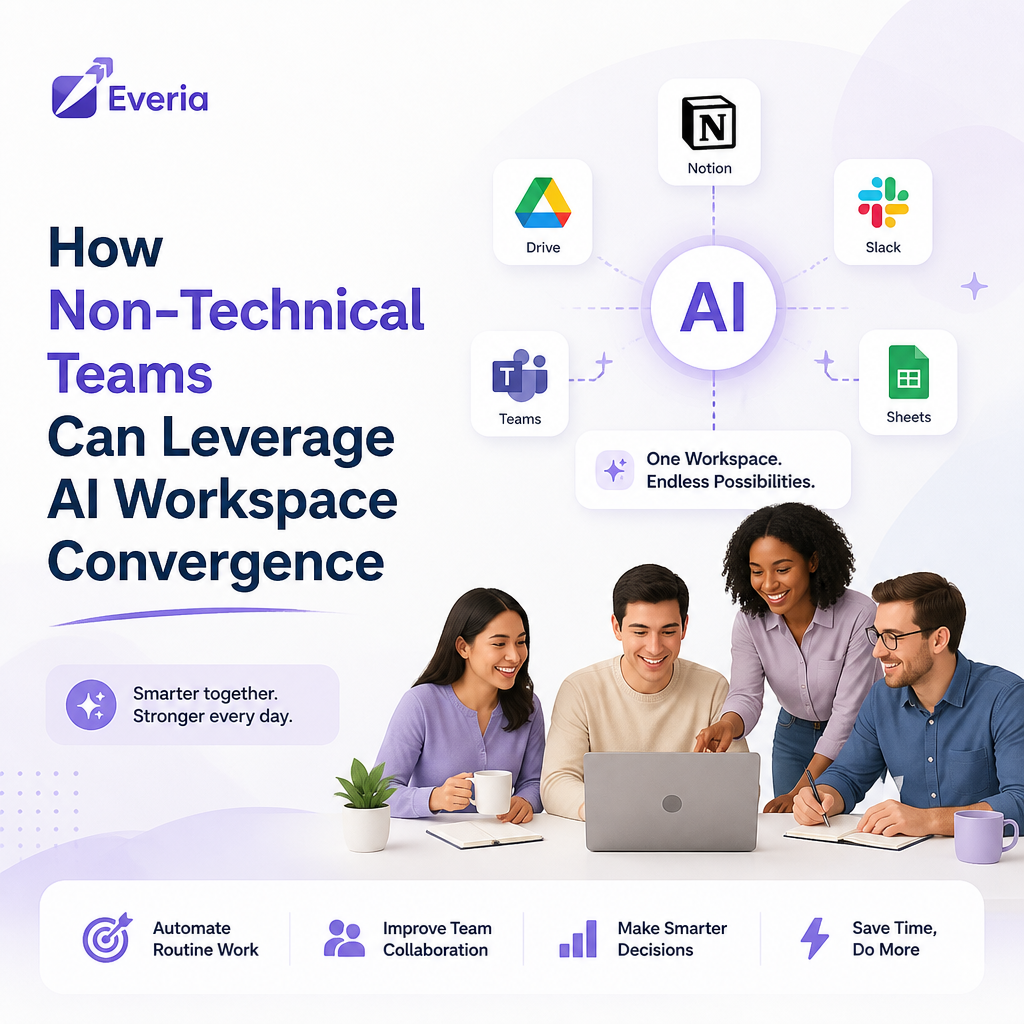
Every month a company delays native AI adoption, the gap between their operational output and market potential widens. Valuable creative and strategic energy gets burned on mechanical, administrative overhead rather than core execution.
For small businesses and growing teams, the barrier to advanced technology isn't a lack of engineering skill; it’s tool sprawl. Stacking multiple point solutions forces teams to manually copy, paste, and sync context across disconnected apps.
According to research published by McKinsey & Company, 45% of employees state that seamless workflow integration would significantly increase their daily AI usage. Layering external AI plugins on top of fragmented, messy tracking tools doesn't solve complexity; it multiplies it.
Here is how non-technical teams can step past the integration headaches, bypass heavy IT configurations, and run a unified, AI-driven workspace from day one.
Why Non-Technical Teams Can’t Afford the "Tool Tax"
Many teams experience paralysis by analysis when selecting project software. They inadvertently build an expensive, fragmented architecture by stacking disconnected tools, paying a steep subscription bill and an even steeper productivity penalty.
The business case for consolidating operations into a single, intelligent workspace is clear:
Performance Metric | Industry Impact of AI Integration | Source |
Operational Waste | Organizations waste an average of 11.4% of every dollar due to poor project performance and alignment. | |
Productivity Boost | Integrated AI implementations elevate general workforce productivity by up to 66%. | |
Time Disconnect | Average workers spend 41% of their workweek on repetitive, low-leverage execution tasks. |
The Core Blueprint: Generic AI vs. Context-Aware AI
Generic chat windows operate in complete isolation. Because they lack access to your ongoing projects, specs, and historical team communications, non-technical users are forced to feed them context manually.
True efficiency requires moving away from superficial plugins and shifting toward an all-in-one execution workspace.
[Fragmented Stack: Specs ➡️ Jira ➡️ Chat ➡️ External LLM] = Context Leakage
[Converged Stack: Requirements + Sprints + Native AI Engine] = Core Intelligence
The Framework Evaluation Matrix
When non-technical leads evaluate software to streamline operations, they should measure alternatives against this strict criteria:
Feature Dimension | What Failure Looks Like (Legacy Stacks) | What Success Looks Like (The Everia Way) |
Native Integration | Tacking on third-party plugins or manually connecting external API keys. | AI is deeply embedded directly where your docs, tasks, and sprints live. |
Context Retention | Copying and pasting ticket history into separate browser tabs to get summaries. | The core engine dynamically reads your full project history to flag risks. |
Onboarding Curve | Spending 1–2 days mapping fields, training admins, and structuring workflows. | Transitioning from sign-up to an active, tracked sprint in under 5 minutes. |
Data Control | Exposing company proprietary requirements to public, consumer-facing models. | Fully compliant environments where data never trains external models. |
Practical AI Workflows You Can Implement Instantly
You don't need a computer science degree or an IT department to automate the manual bottlenecks that slow your product cycle down. A converged platform transforms complex backend logic into straightforward, out-of-the-box actions.
1. Automated Status & QA Routing
Eliminate manual check-ins. You can configure a workflow to automatically hand off deliverables the moment a status changes. For example, when an engineer moves a task to In Review, the workspace can instantly assign the verified QA reviewer, flag dependencies, and notify team leads without manual tracking updates.
2. Immediate History and Risk Summarization
Instead of spending an hour reading through massive, multi-week comment threads to find out why a milestone slipped, let native intelligence synthesize the thread. A single prompt can scan the activity ledger across a specific requirement to extract immediate blockers, decisions made, and pending action items.
3. Native Requirement-to-Test Traceability
Bugs that slip into production are frequently the result of misunderstood requirements. When documentation lives in one tool and test cases live in another, context fractures. A converged system automatically derives testing parameters directly from the written requirement spec, ensuring gaps are highlighted before code ever hits a release window.
How Everia Changes the Workspace Equation
Most project tracking systems treat workflows as separate pipelines bolted together at the end. Requirements sit in static documents, sprints are tracked in legacy boards like Jira, and communications happen across scattered messaging threads.
Everia completely collapses this fragmentation. We built a lean, unified workspace designed to offer a clean alternative to legacy complexity, optimized to respect European data principles and flat-rate operational predictability.
Built-In Intelligence: With Everia, you don't need to hook up external large language models or worry about maintaining fragile API connections. Context-aware AI runs natively at the core of the tool, maintaining full project continuity across your lifecycle.
Zero Administration Overhead: We cut out the heavy configuration gates. Non-technical teams can sign up, map their execution path, and start deploying sprints with complete role visibility in under 5 minutes.
Predictable Growth Architecture: Legacy tools impose a financial penalty on growth, spiking your monthly bill the moment you onboard cross-functional contractors or QA analysts. Everia supports uninhibited scaling with flat-rate pricing models and unlimited user tiers.
Stop managing your infrastructure stack. Get back to execution.
FAQs
1. Do I need to connect external AI tools or API keys to use Everia?
No. Unlike legacy trackers that require you to patch third-party plugins or configure external LLM APIs, Everia features a context-aware AI engine built directly into its core. It natively retains your complete project history, team requirements, and workspace communication right out of the box.
2. How does a converged workspace save non-technical teams time?
It eliminates "tool sprawl." Instead of wasting hours copying and pasting data across disconnected platforms, like project specs, issue trackers, and separate chat apps, Everia brings your entire product lifecycle into one thread. This automates manual handoffs and removes administrative overhead entirely.
3. Is my company's data safe with Everia’s native AI?
Absolutely. Everia is built with a security-first, European-native architecture. Your data is strictly protected, adheres to strict data sovereignty principles, and is never used to train external models. You get advanced intelligence without compromising your proprietary business data or client trust.
4. How difficult is it to migrate our current workflows to Everia?
It takes less than 5 minutes. Everia drops the heavy, multi-day IT setups required by tools like Jira. The interface is completely intuitive for non-technical users, meaning you can onboard your entire cross-functional team and start executing active sprints immediately without specialized training.
Try Everia for Free — Start Your Unified Workflow in Under 5 Minutes